When diners ask AI where to eat, does your restaurant get named?
A plain-spoken guide to how ChatGPT, Google AI Mode and Ask Maps choose which restaurants to name, and the review, menu and listing work that gives yours a fair shot. Scripts for servers, cashiers and baristas included.
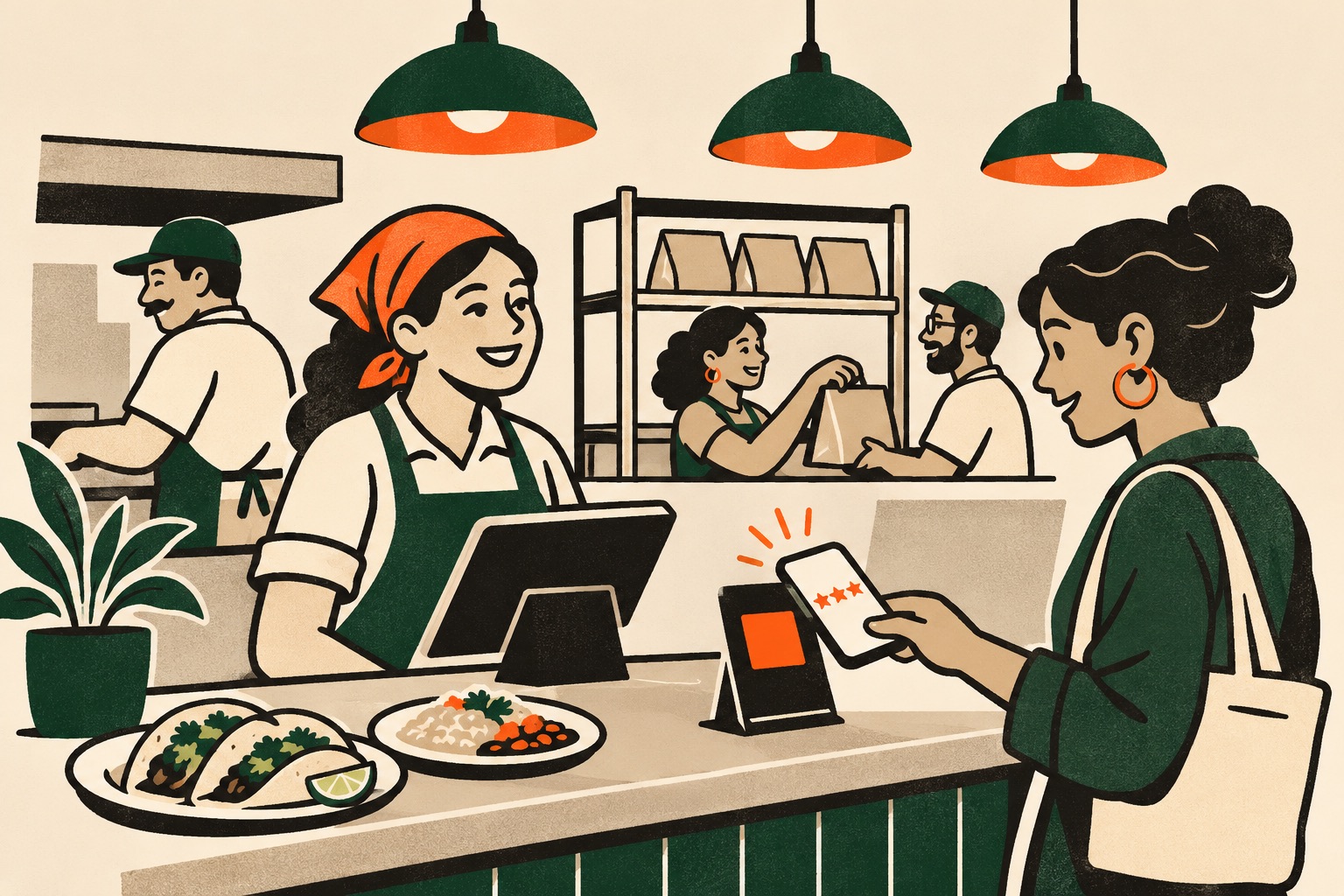
- What Google, ChatGPT and Yelp actually launched for finding and booking tables, with dates, so you know what is real
- Where AI answers about restaurants get their facts, including the source behind 45.2% of restaurant citations in a 2026 study
- The review math for a busy dining room, with a worked example and a table you can fill in tonight
- Word-for-word lines for the check drop, the register, the bar close-out and the pickup shelf
- The rules that trip restaurants up: the free dessert for a review, staff quotas, and why Yelp is different from Google
- Reply frames for the rave, the slow-Friday complaint and the food illness accusation
- A 30-day plan you can run alongside service
The research, in short.
Every chapter.
Owners, GMs and operators of independent restaurants, cafes, bars and small groups who want more diners to find them when they ask an assistant where to eat.
Read it tonight. Fix it this week.
Every chapter ends with something to do: a script for the front desk, a checklist, the math for your numbers. Start with the free AI Referral Scorecard to see where restaurants in your city stand.
Questions.
Is the guide free?
Yes. Put in your name and email and the full guide opens on screen right away. There is a PDF if you want a copy for the office. No card.
Is this a sales pitch?
ClickRun makes a counter stand that helps you ask every guest for a Google review, and the guide says so near the end. Everything before that works without buying anything: the scripts, the checklists, the listing fixes and the math.
How long does it take to read?
About 30 minutes start to finish. Each chapter stands on its own, so a GM can read the scripts chapter before pre-shift and come back for the rest.
Do I need to be technical?
No. If you can edit your Google Business Profile and type a question into ChatGPT, you can do everything in here. The website section has a checklist you can hand to whoever runs your site.
What happens to my email?
It gets you the guide and a series of follow-up emails about getting found and reviewed. Every one has an unsubscribe link at the bottom. Business name and city are optional. They let the emails talk about your place by name.
Does this work for counter service and cafes too?
Yes. The guide covers table service, counter service, bars, coffee shops and takeout separately, because the moment to ask is different at each one.